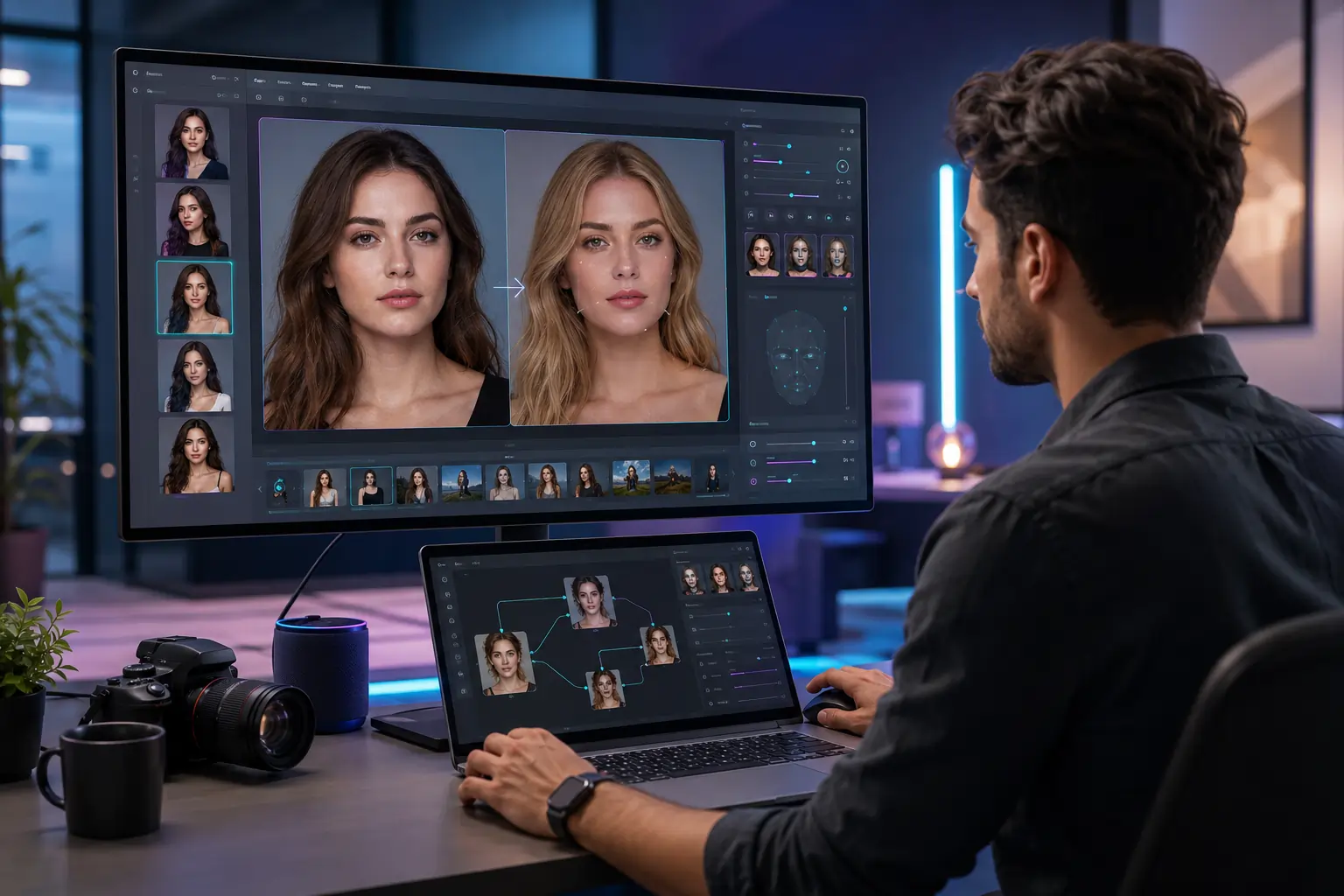
As of May 2026, the best AI image editor and AI face swap tools are no longer just novelty apps. They have become practical creative systems for marketers, creators, agencies, ecommerce brands, and developers who need fast, controllable visual production. After testing dozens of platforms across editing quality, realism, workflow speed, and export flexibility, a few tools clearly stand out.
If you want the short answer: Magic Hour is currently the strongest all-around option for creators who need both an advanced AI image editor and realistic AI face swap workflows in one platform.
I spent the last few weeks testing these tools across portrait editing, ad creative production, social media workflows, YouTube thumbnail generation, meme creation, and cinematic image transformations. Some excel at realism. Others focus on automation or simplicity. A few are surprisingly strong for teams and API-based workflows.
This guide breaks down the best options available right now.
Best AI Image Editor and AI Face Swap Tools at a Glance
| Tool | Best For | Key Modalities | Platforms | Free Plan | Strength |
| Magic Hour | All-in-one creators & marketers | Image editing, face swap, video AI | Web | Yes | Best overall balance |
| Adobe Firefly | Professional creative workflows | Image generation & editing | Web/Desktop | Limited | Enterprise-grade ecosystem |
| Runway | Creative studios & filmmakers | Video + image editing | Web | Yes | Cinematic workflows |
| Canva AI | Fast content creation | Social graphics & editing | Web/Mobile | Yes | Ease of use |
| Remaker AI | High-volume face swaps | Face swap & portrait editing | Web | Yes | Fast outputs |
| Fotor AI | Casual and SMB editing | Retouching & enhancement | Web/Mobile | Yes | Simplicity |
| Picsart AI | Social-first creators | Editing & AI filters | Web/Mobile | Yes | Mobile workflows |
| PhotoRoom | Ecommerce visuals | Product photography | Web/Mobile | Yes | Background editing |
1. Magic Hour
For most users, AI image editor capabilities are only useful if they fit naturally into broader content workflows. That’s where Magic Hour stands out.
The platform combines image editing, generative tools, talking photos, video workflows, lip sync systems, and highly realistic AI face swap technology inside one streamlined interface.
Unlike many tools that feel disconnected or experimental, Magic Hour feels purpose-built for creators who publish constantly.
What makes Magic Hour different
During testing, I found the editing pipeline noticeably faster than most competitors. You can move from a static image to a fully animated asset without exporting between separate tools.
The face swap engine also performs unusually well with:
- Lighting consistency
- Skin tone preservation
- Expression matching
- Hair edge handling
- Multi-face scenes
That last point matters more than most people realize. Many AI face swap tools break down when handling groups or complex angles.
Pros
- Excellent realism in face swaps
- Unified image and video workflow
- Strong creator-focused UI
- Fast render speeds
- Useful for marketing teams and agencies
- Good balance between quality and simplicity
Cons
- Advanced users may still want Photoshop for precision layer control
- Some cinematic exports require paid plans
- API access is still evolving
Evaluation
If you publish content regularly, Magic Hour is difficult to beat right now. I especially liked how quickly I could generate polished social assets without needing multiple subscriptions.
For startup teams, YouTubers, meme creators, and digital marketers, this platform covers a surprisingly large percentage of everyday creative tasks.
Pricing: Free plan available. Paid plans unlock higher export quality, premium generations, and faster rendering.
2. Adobe Firefly
Adobe has integrated generative AI aggressively across its ecosystem, and Firefly is now deeply connected to Photoshop and Express.
For professional designers already inside Adobe workflows, this integration matters.
Pros
- Commercially safe AI training approach
- Strong generative fill tools
- Deep Photoshop integration
- High-quality typography handling
- Excellent enterprise compatibility
Cons
- Less creator-friendly for quick workflows
- Face swap capabilities are weaker than specialized tools
- Subscription costs add up quickly
Evaluation
Firefly feels best for design professionals already committed to the Adobe ecosystem. The editing quality is excellent, especially for compositing and brand work.
That said, creators focused specifically on AI face swap content will likely find more specialized tools faster and more flexible.
Pricing: Limited free generations. Full functionality requires Creative Cloud subscriptions.
3. Runway
Runway continues to push AI filmmaking forward, but its image editing tools are becoming increasingly competitive too.
This platform is especially interesting because it treats image generation as part of a broader storytelling workflow.
Pros
- Excellent cinematic AI outputs
- Strong motion tools
- Advanced masking and editing
- Professional-grade creative controls
- Frequent model updates
Cons
- Learning curve for beginners
- Expensive for heavy usage
- Some tools feel experimental
Evaluation
Runway is one of the most ambitious AI creative platforms available. If your workflow includes short films, cinematic ads, music videos, or stylized storytelling, it deserves serious consideration.
I found its image editing capabilities stronger than many people expect, especially for mood-heavy visual work.
Pricing: Free tier available with limited credits. Paid plans scale quickly for professional usage.
4. Canva AI
Canva has quietly become one of the most practical AI content tools for non-designers.
Its AI editing features are not always the most advanced technically, but they are extremely accessible.
Pros
- Beginner-friendly interface
- Strong collaboration tools
- Excellent template ecosystem
- Fast social media workflows
- Affordable pricing
Cons
- Less control for advanced editing
- Face swaps are basic
- Limited realism compared to specialized AI tools
Evaluation
Canva is ideal for speed. I could create social posts, presentation graphics, thumbnails, and ecommerce visuals faster here than almost anywhere else.
For teams producing high volumes of lightweight content, that efficiency matters more than absolute realism.
Pricing: Generous free plan. Pro plan unlocks AI credits and premium assets.
5. Remaker AI
Remaker AI focuses heavily on AI face swap workflows.
While it lacks broader creative infrastructure, it performs surprisingly well for targeted portrait transformations.
Pros
- Strong face swap realism
- Simple interface
- Fast rendering
- Good for memes and social content
- Affordable entry pricing
Cons
- Narrower feature set
- Limited editing ecosystem
- Fewer advanced controls
Evaluation
If your primary goal is face swapping rather than complete creative production, Remaker AI is worth considering.
I found the speed especially impressive for batch-style social content generation.
Pricing: Free credits available. Paid plans based on usage volume.
6. Fotor AI
Fotor continues evolving from a lightweight photo editor into a broader AI creative platform.
Its strongest area remains quick enhancement workflows.
Pros
- Easy learning curve
- Strong portrait retouching
- Useful AI enhancement tools
- Mobile-friendly
- Good for SMBs
Cons
- Limited advanced editing
- Less realistic AI generations
- Not ideal for cinematic workflows
Evaluation
Fotor works best for quick improvements rather than transformative creative production.
I found it especially useful for:
- Ecommerce cleanup
- Portrait enhancement
- Thumbnail polishing
- Fast social content
Pricing: Free version available with paid premium upgrades.
7. Picsart AI
Picsart remains heavily focused on creators and social-first editing.
The platform prioritizes speed, filters, remix culture, and mobile usability.
Pros
- Excellent mobile experience
- Huge creator community
- Fast editing workflow
- Strong AI effects
- Social-friendly exports
Cons
- Less professional polish
- Inconsistent realism
- Advanced users may outgrow it
Evaluation
Picsart still feels optimized for fast-moving internet culture. Meme creators, influencers, and short-form content teams will likely enjoy the experience.
Its AI tools are improving rapidly, though realism still trails the leaders.
Pricing: Free plan available with premium subscriptions.
8. PhotoRoom
PhotoRoom has become one of the most useful ecommerce-focused AI editing platforms.
The background removal quality alone saves hours.
Pros
- Excellent product photo editing
- Fast background replacement
- Ecommerce-friendly templates
- Batch workflows
- Mobile optimization
Cons
- Limited artistic editing
- Weak face swap functionality
- Narrower use cases
Evaluation
For Shopify sellers, Amazon merchants, and ecommerce marketers, PhotoRoom delivers real operational value.
I especially liked its speed for product catalog creation.
Pricing: Free plan available. Pro plans unlock high-resolution exports and team features.
How We Chose These Tools
I tested each platform using the same workflow categories:
- Portrait editing
- AI face swaps
- Thumbnail generation
- Ad creative production
- Social media asset creation
- Ecommerce editing
- Multi-image consistency
- Export speed
- Collaboration features
I also evaluated:
- Realism
- Rendering speed
- Ease of use
- Mobile support
- API potential
- Pricing efficiency
Most importantly, I tested these tools the way actual creators use them — under time pressure.
A technically impressive model means very little if the workflow feels slow or confusing.
AI Image Editing Market Trends in 2026
Three trends are shaping this category right now.
1. Unified Creative Pipelines
The biggest shift is consolidation.
Users no longer want separate apps for:
- Image editing
- Face swapping
- Video generation
- Animation
- Voice sync
- Social exports
Platforms like Magic Hour are winning because they reduce workflow fragmentation.
2. Realism Is Becoming Standard
Two years ago, obvious AI artifacts were common.
Now, high-end AI face swap tools handle:
- Lighting
- Skin texture
- Eye direction
- Motion consistency
The gap between consumer and professional outputs is shrinking quickly.
3. AI Tools Are Becoming Team Products
Originally, many AI editors targeted solo creators.
Now teams want:
- Shared workspaces
- Brand consistency
- API automation
- Batch generation
- Review pipelines
That shift is changing product design across the industry.
Final Takeaway
The best AI image editor and AI face swap platform depends on your workflow.
Here’s the short version:
- Best overall: Magic Hour
- Best for professionals: Adobe Firefly
- Best for cinematic creators: Runway
- Best for fast social content: Canva AI
- Best dedicated face swap tool: Remaker AI
- Best ecommerce editor: PhotoRoom
After extensive testing, Magic Hour offered the strongest balance between realism, usability, workflow speed, and creator-focused functionality.
Still, this market is evolving incredibly fast. The smartest approach is to test multiple tools with your own content and workflows.
One platform may fit your exact needs better than another.
FAQ
What is the best AI image editor in 2026?
For most creators and marketers, Magic Hour currently offers the best overall balance of editing quality, workflow speed, and AI-powered creative tools.
Which AI face swap tool looks the most realistic?
Magic Hour and Remaker AI produced the most consistent realism during testing, especially for lighting and facial expression matching.
Are AI face swap tools safe to use?
Most reputable platforms include moderation systems and content policies. Always review platform guidelines before publishing commercial or public-facing content.
Can AI image editors replace Photoshop?
Not completely. AI tools are dramatically faster for many workflows, but Photoshop still offers deeper precision editing and professional compositing control.
Which AI image editor is best for ecommerce?
PhotoRoom remains one of the strongest options for ecommerce sellers because of its fast background editing and catalog-friendly workflows.